 Bexulamin
Object label / 24.11
“A calm sign-in screen”
At first look: one input, one button, a quiet promise that access will be simple.
Select to reveal the working notes
Bexulamin is a hands-on exhibition school for people who want to study interfaces, systems and data through careful looking, practical reconstruction and public critique.
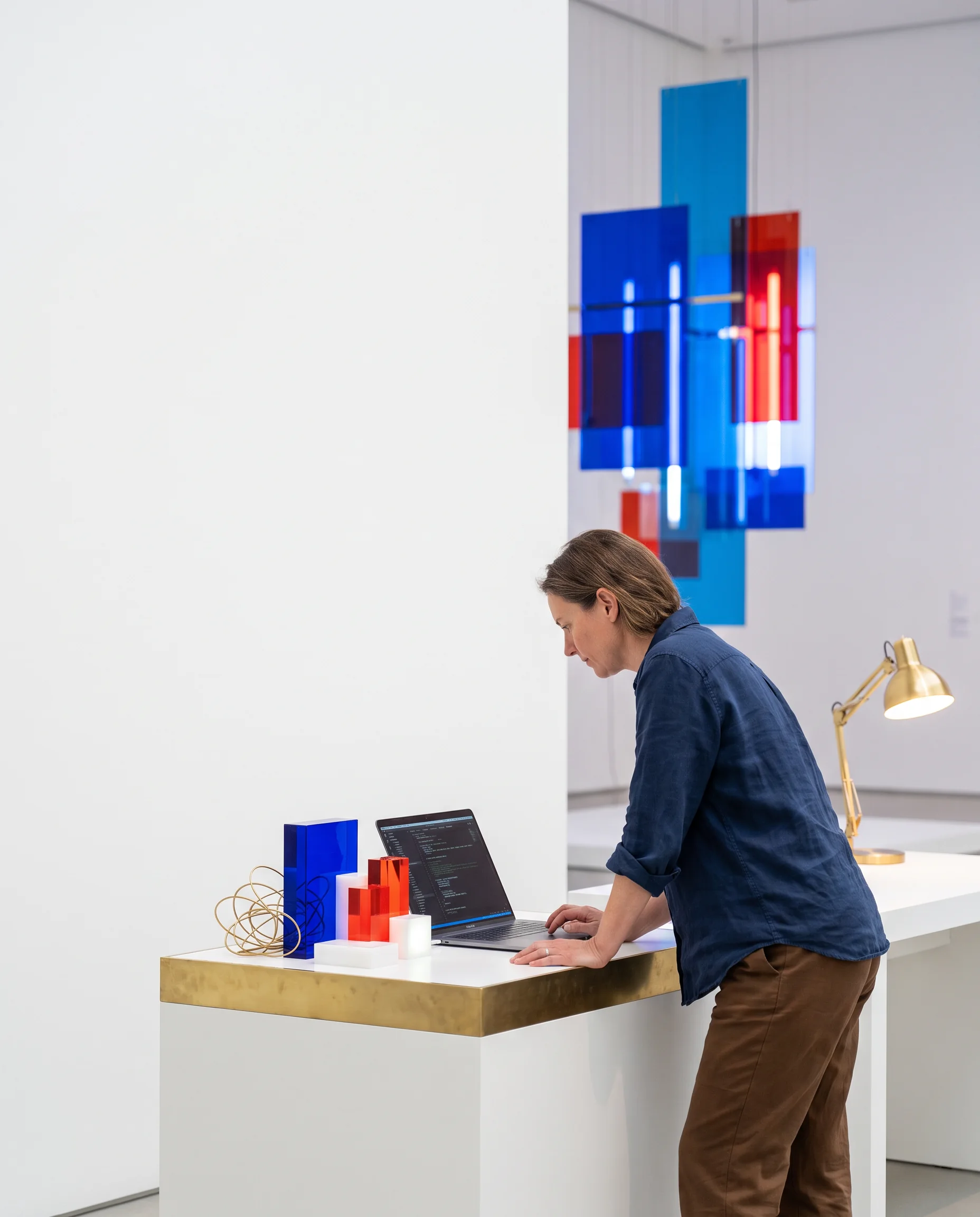
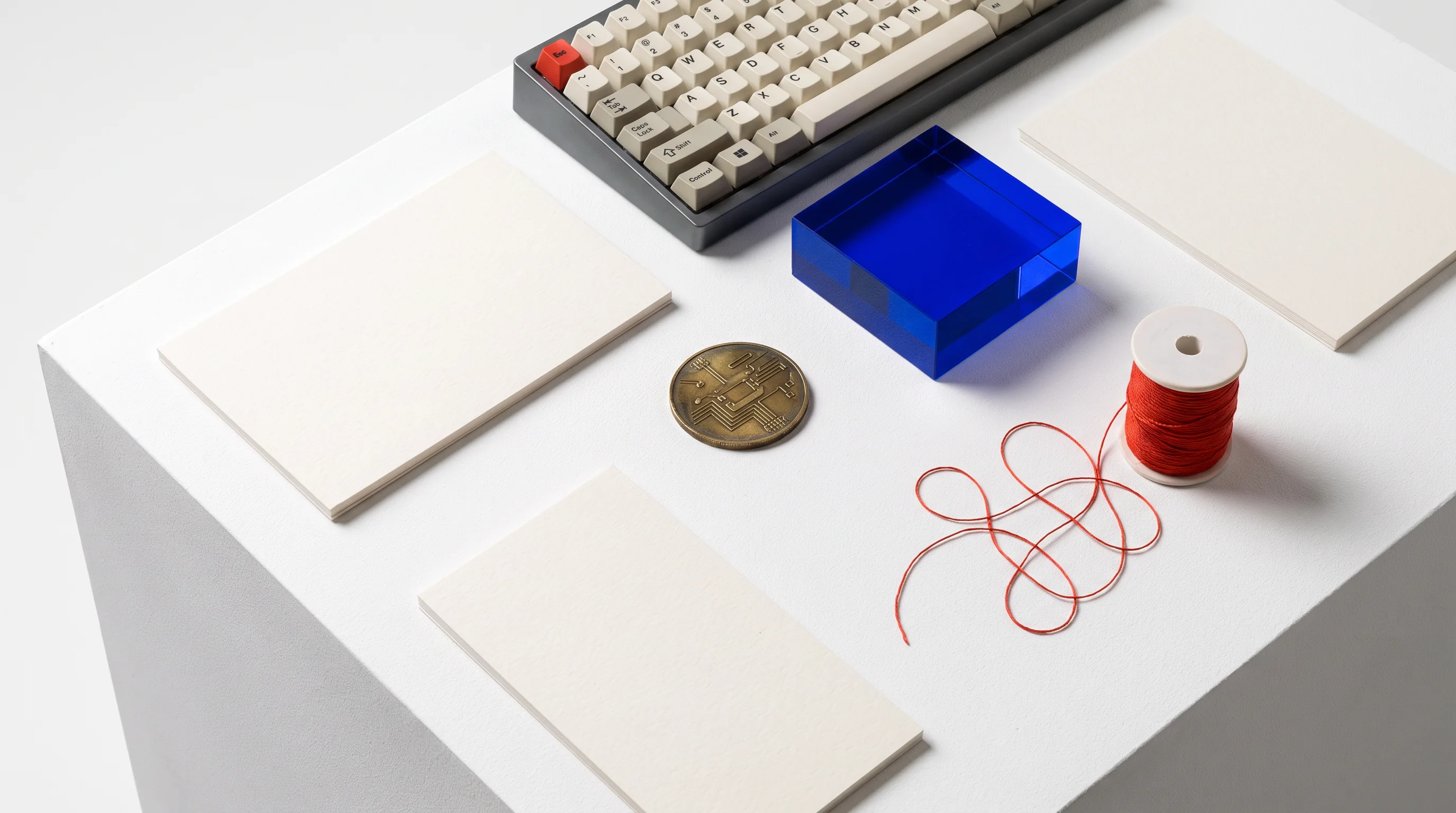
The Useful Relic: four ways an ordinary interface carries a decision.
Each wing is a different route through contemporary software practice. The selector changes the exhibition brief and the kind of material you will work with.
Study the small decisions that make a screen legible, navigable and worth returning to. You will redraw flows, compare states and make one interface explain itself.
Focus: front-end structure, accessible states, visual hierarchy.
Request this route LOOK CLOSELY / THEN BUILD
There is no assumed pedigree here. Bring attention, a reliable way to work online, and a willingness to revise. The map helps you choose a practical starting point.
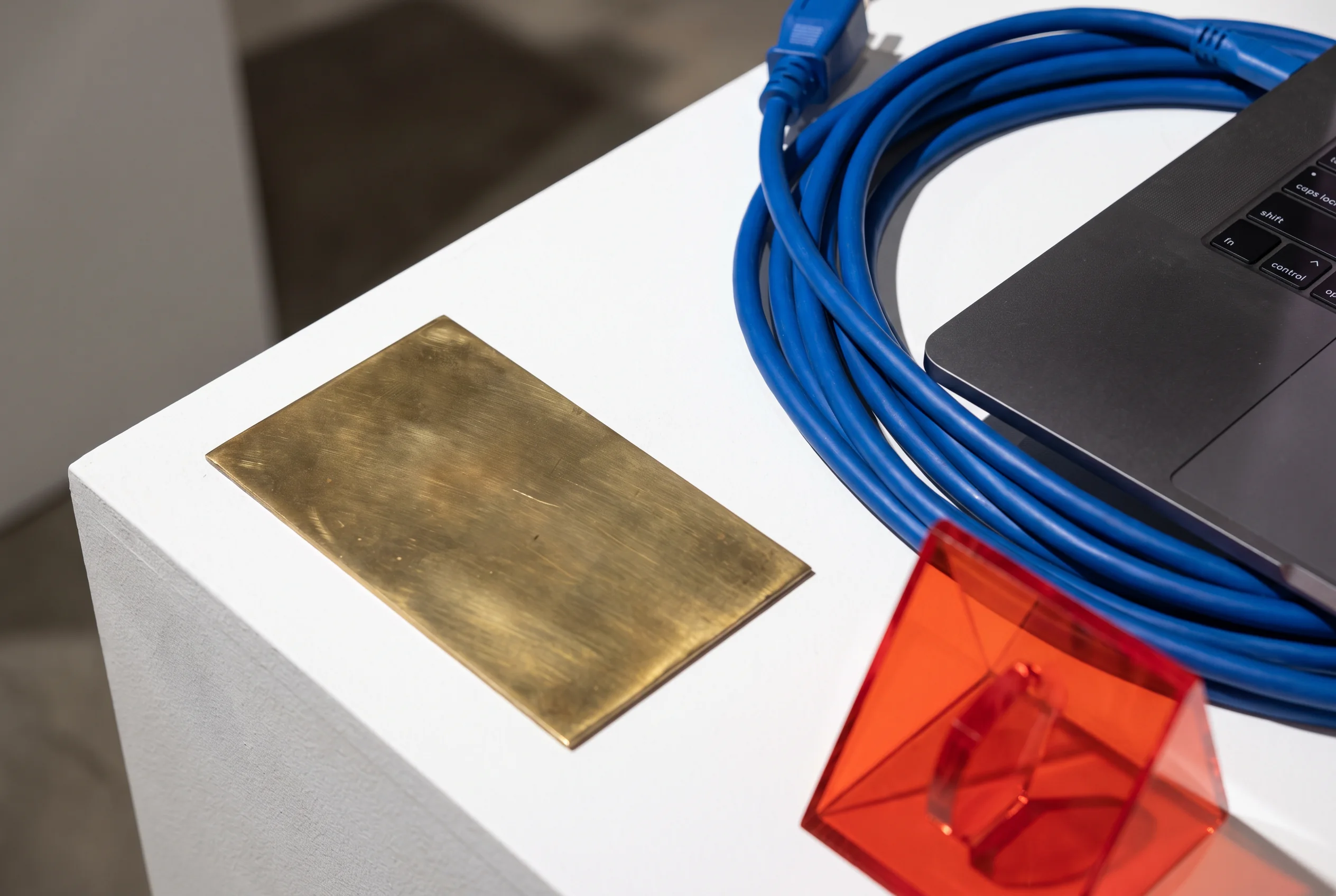 OBSERVEASSEMBLEEXPLAIN
At the bench, lessons are deliberately small. Each station begins with a visible thing, then asks what would make it clearer, safer or easier to maintain.
Mark the moments where a screen is waiting, empty, successful or blocked. Then make each condition understandable without guessing.
Trace one value from input to display and write a label that tells the next maker where confidence ends.
Turn a change into a concise handover: what moved, why it moved and what a future check should protect.
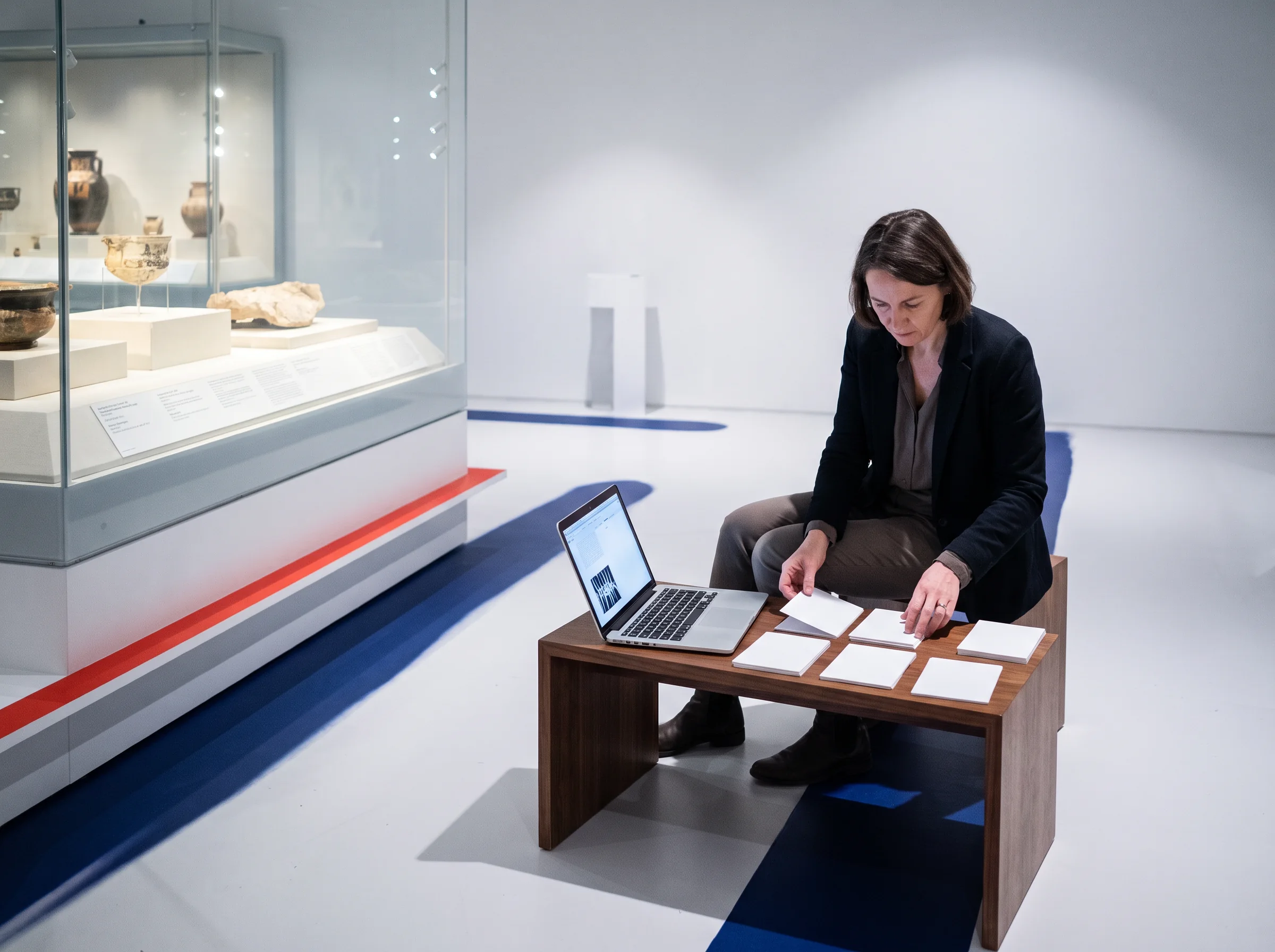
Turn this label over. The same artifact reads differently once its decisions are named.

At first look: one input, one button, a quiet promise that access will be simple.
Loading state, password recovery, device privacy, keyboard order, error language and the person who cannot receive a code today. In the gallery, these are part of the object—not footnotes.
These are studio prompts, not promises of a fixed outcome. The work changes with the question you bring to it.
| Catalogue no. | Artifact | Study question | Material | Label |
|---|---|---|---|---|
| BX-014 |  Quiet handoff | What must be written down when a feature changes hands? | Issue note + small pull request | REPAIR |
| BX-022 | Useful empty state | How can an absence explain the next sensible action? | HTML, CSS, content structure | INTERFACE |
| BX-031 | Traceable total | Where did a displayed number begin, and what does it omit? | CSV, query, label | DATA |
| BX-044 | Boundary report | Which failure can a user understand without reading a console? | API response + state map | SYSTEMS |
The salon is a structured way to talk about work: describe before judging, identify a real audience, then make the next revision small enough to test.
“What is actually here?”
We name the visible behavior and resist inventing intentions for it.
“Who meets this condition?”
We look for the person, task or edge case that the artifact has made hard to see.
Provenance is not a performance diary. It is a simple record that helps you revisit an idea, name a borrowed source, and see which decision changed the direction of the work.
Your project need not be grand. It needs a real question, a bounded context and enough room for a considered revision.
Name the situation, person or friction you want to inspect.
Choose one artifact that can become clear enough to show.
Tell us what you have tried and what you want to understand next.
These answers describe the Bexulamin learning approach, not a promise about individual results.
No formal credential is required. Some routes are designed for people who are new to writing code, while others are more comfortable for people who have already made a small project. What matters is that you can work patiently with a question, use a computer regularly, and explain what you would like to investigate.
A critique salon is not a rating session and it is not a contest. You briefly show an artifact or decision, then the group starts with observation: what can be seen, used or inferred. The conversation then moves toward audience, constraints and one practical revision you can test after the session.
You may bring an unfinished project if you have permission to discuss it and can remove sensitive material. Bexulamin is particularly interested in unfinished work because it gives us something genuine to inspect. We recommend selecting one modest part—a flow, data question, defect or handover note—rather than bringing an entire product.
Start with the type of question that keeps returning in your work. Choose Interface Gallery if screens and user states occupy you; Systems Cabinet if information moving between services is the puzzle; Data Study Room if meaning changes inside a dataset; and Field Repair Office if you want to understand and improve existing software.
Send a browser-only visit request. It does not create an account or send information from this demonstration site; it simply confirms that your note is ready to share through your preferred contact route.